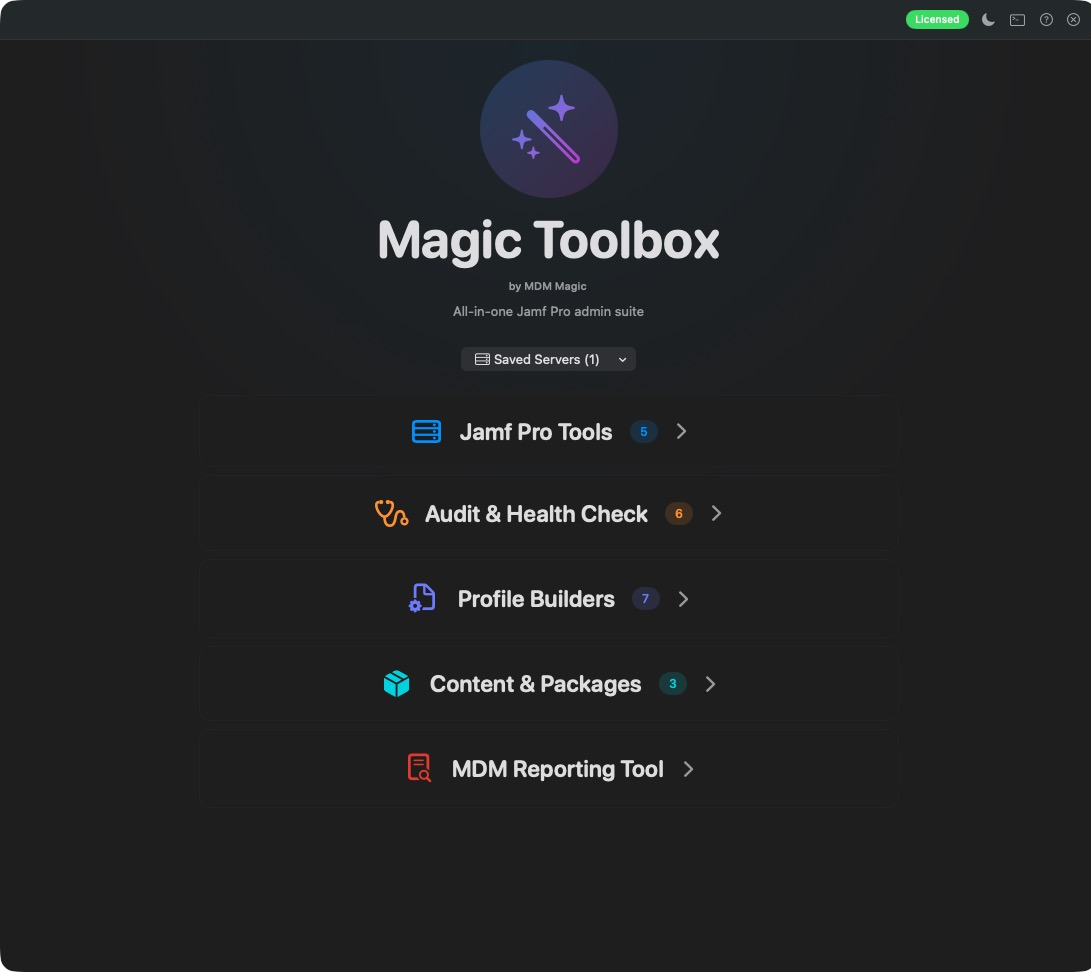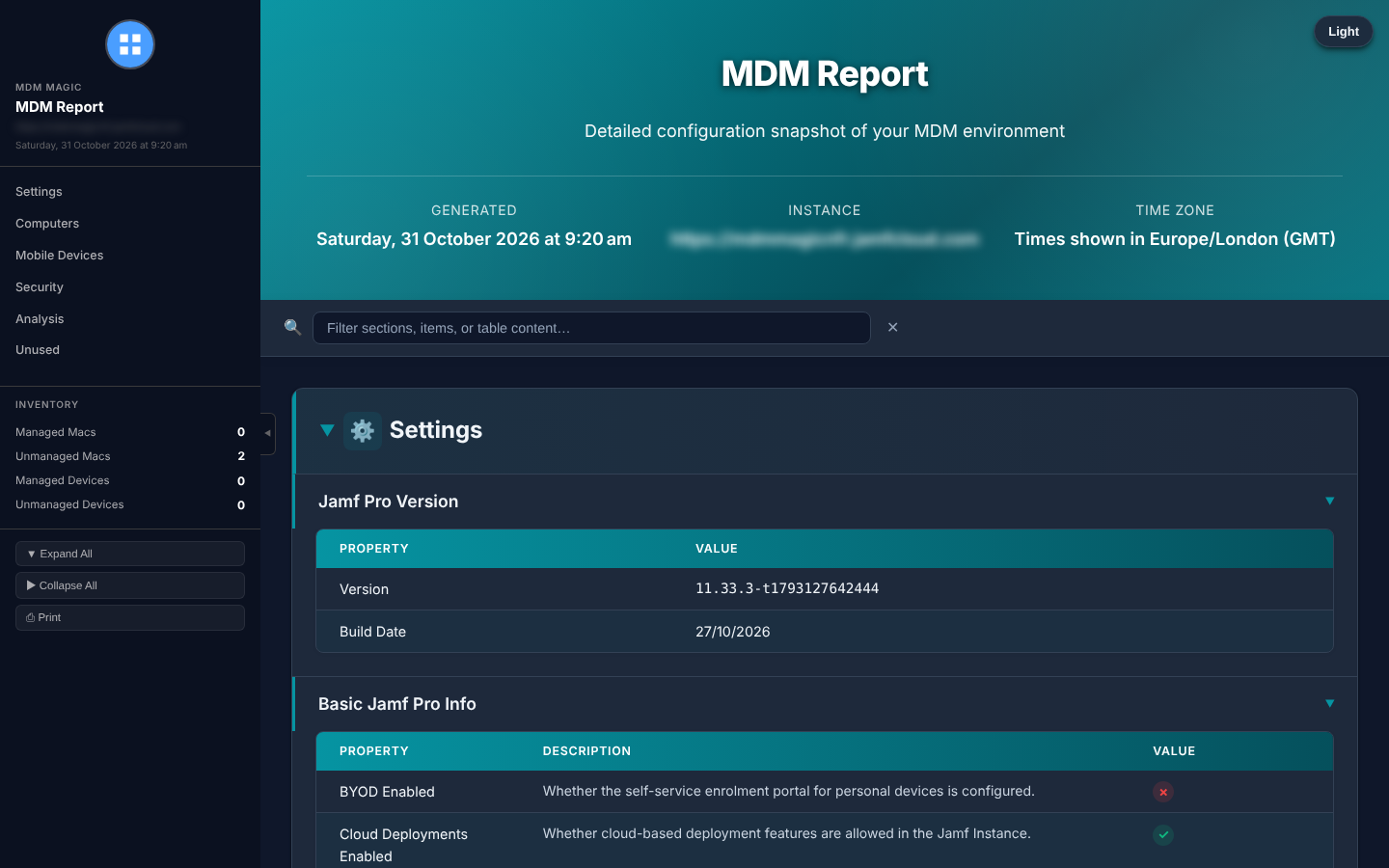
assets/images/blog/reporting-tool/16-report-jamf-html.pngA finished Jamf Pro report: one self-contained HTML fileSomeone has just asked you for “a quick overview of how the Macs are set up”.
You know how this goes. Policies. Profiles. Smart groups. Scripts. Extension attributes. Copy, paste, screenshot, repeat. By the time the document is finished, half of it is out of date and your afternoon has gone.
What if you could hand over a complete, searchable, beautifully branded report before your coffee goes cold?
That’s exactly why I built the MDM Reporting Tool.
Pick your MDM. Press go.
The MDM Reporting Tool is a native Mac app that talks to Jamf Pro, Microsoft Intune and Iru (formerly Kandji) through their APIs. It pulls your entire configuration and turns it into one self-contained HTML report, with a PDF or Word copy too if you want one.
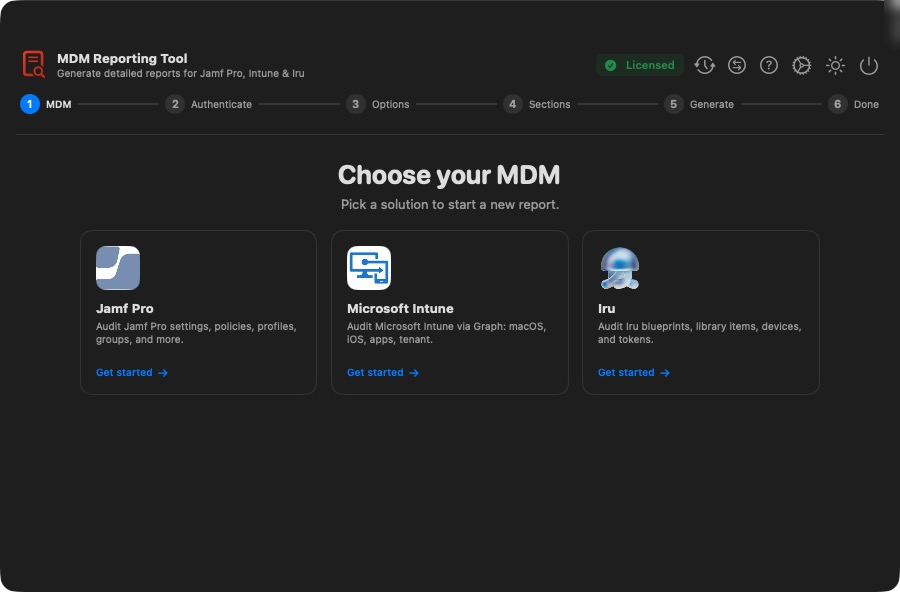
assets/images/blog/reporting-tool/01-mdm-selection.pngChoose Jamf Pro, Microsoft Intune or IruNo spreadsheets. No screenshots. No stitching documents together at 6pm on a Friday.
Connected in seconds, and it checks before it starts
Sign in with an API client or username and password, then save the server so next time it’s one click. Look after several instances? Keep them all as saved profiles and switch between them instantly.
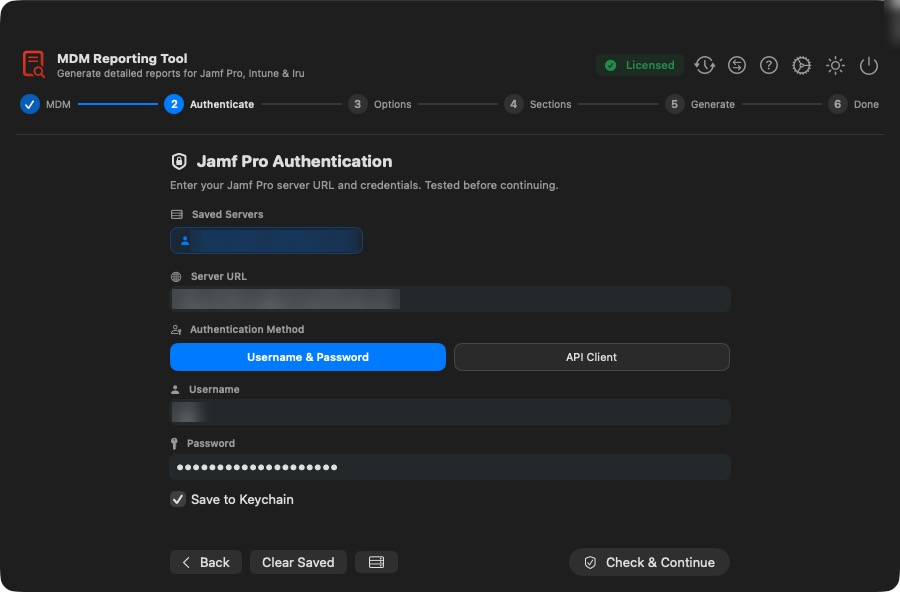
assets/images/blog/reporting-tool/02-jamf-auth.pngSign in to Jamf Pro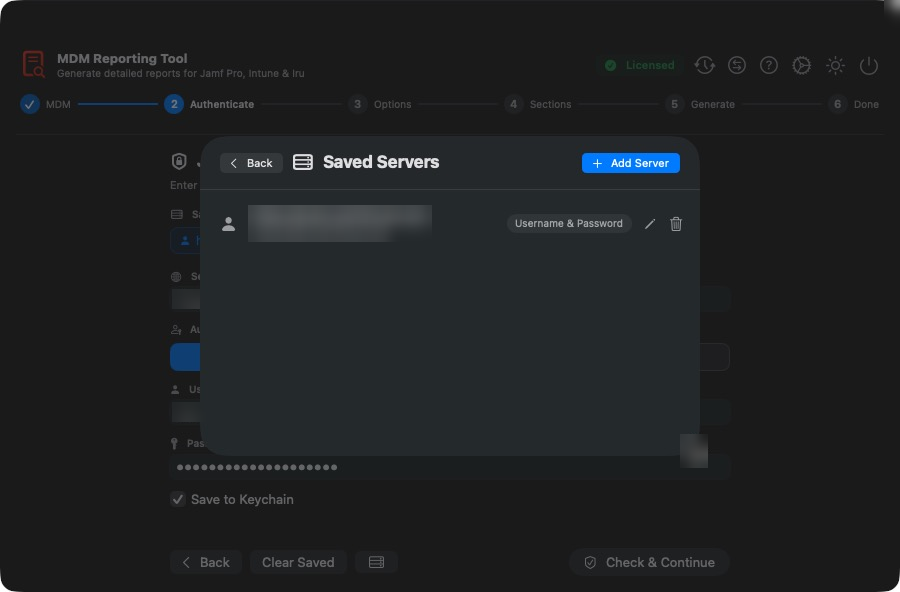
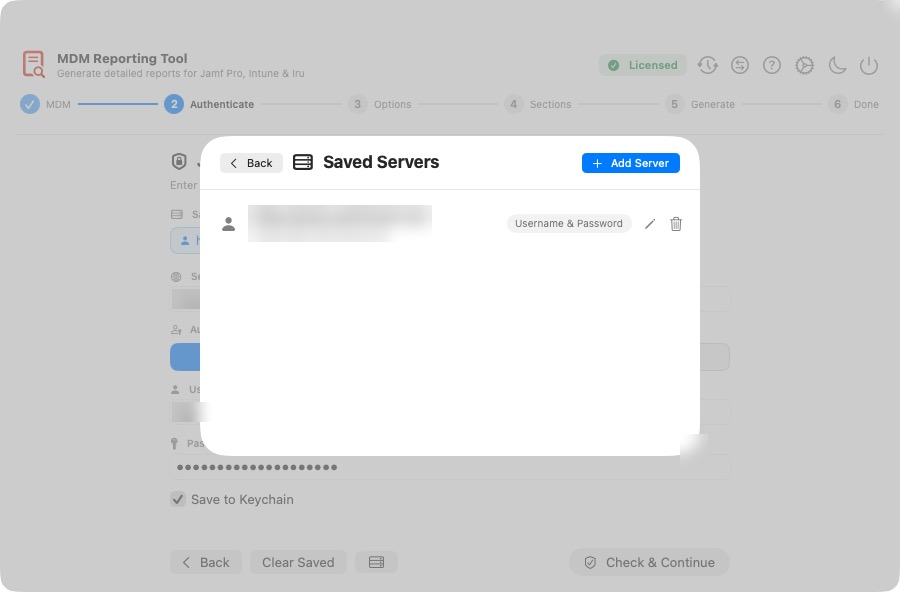
assets/images/blog/reporting-tool/03-saved-servers.pngSaved server profilesThen comes the bit you’ll love. Before a single report runs, the tool checks all 19 read privileges it needs from Jamf Pro. A missing permission or an expired secret shows up straight away, not twenty minutes into a run.
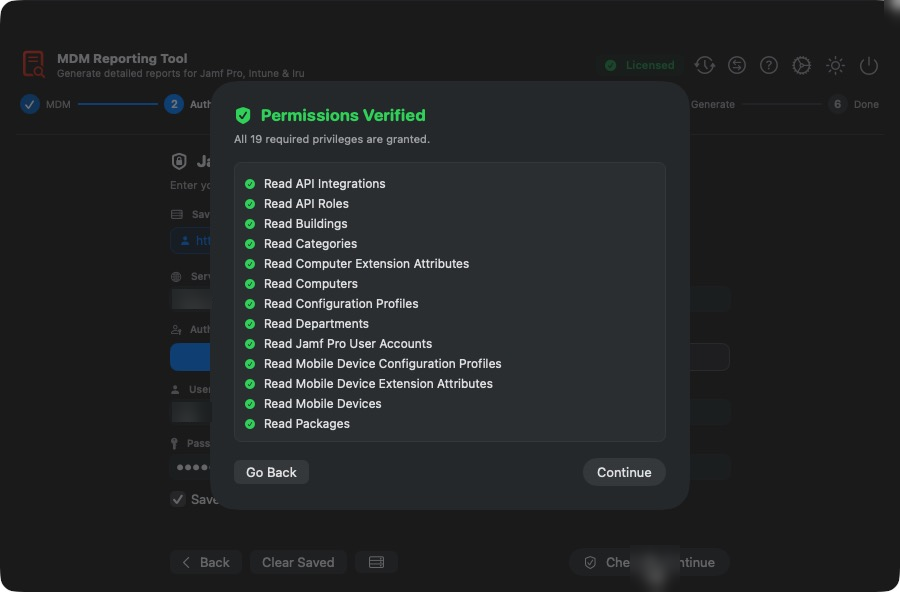
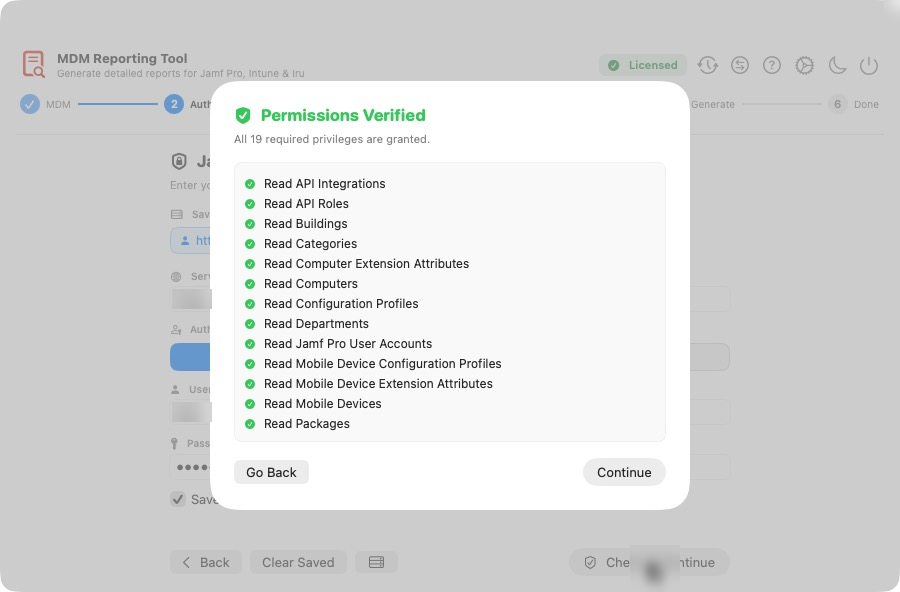
assets/images/blog/reporting-tool/05-permissions-verified.pngEvery required privilege verified before the run startsNext, choose how you want it: HTML on its own, or with a PDF or Word copy alongside. Add a Microsoft Teams or Slack webhook and you’ll get a ping the moment the report is ready.
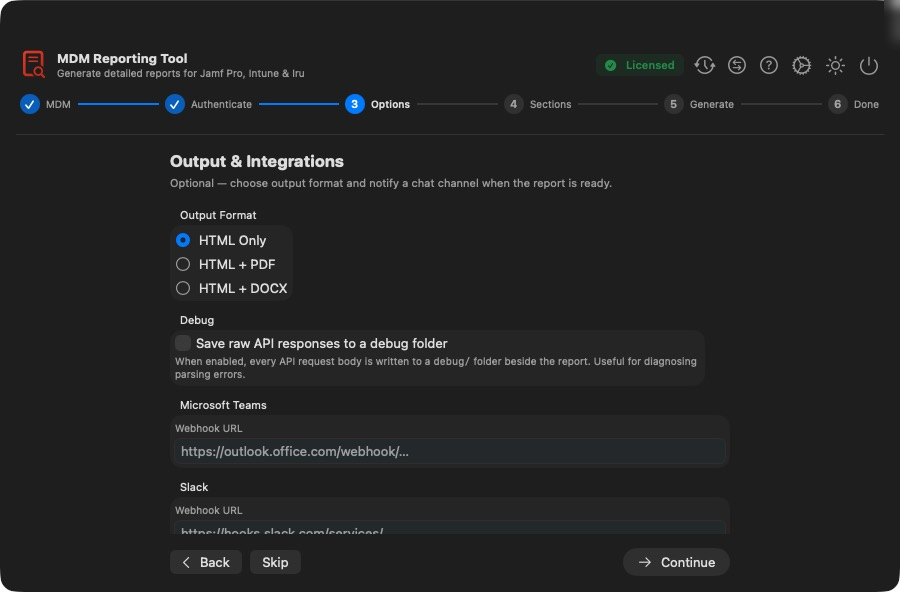
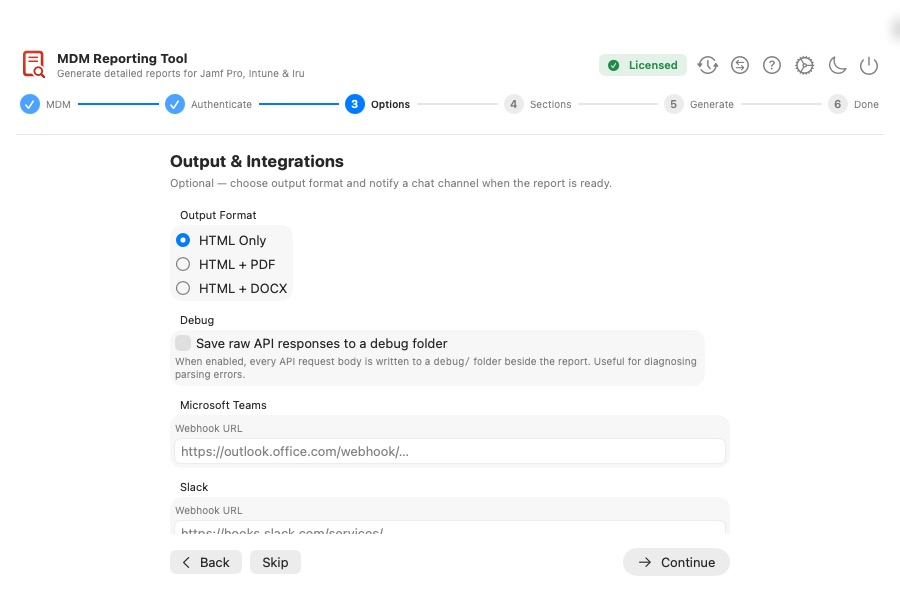
assets/images/blog/reporting-tool/06-output-integrations.pngOutput format and Teams or Slack notificationsChoose exactly what goes in
Every section is opt-in. Want just policies and profiles for a quick review? Tick two boxes. Need the full picture for an audit? Take the lot:
- Jamf Pro: 65 sections
- Microsoft Intune: 23 sections
- Iru: 15 sections
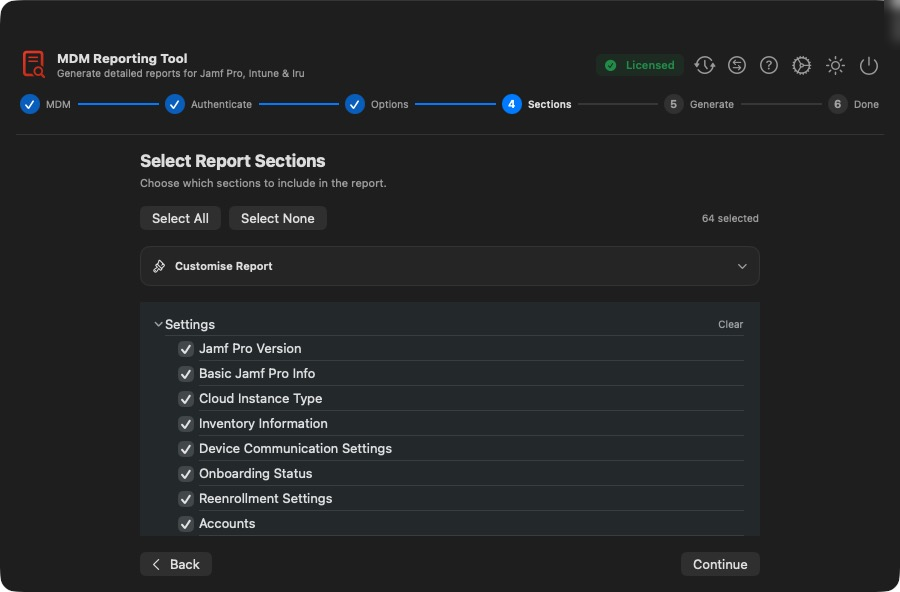
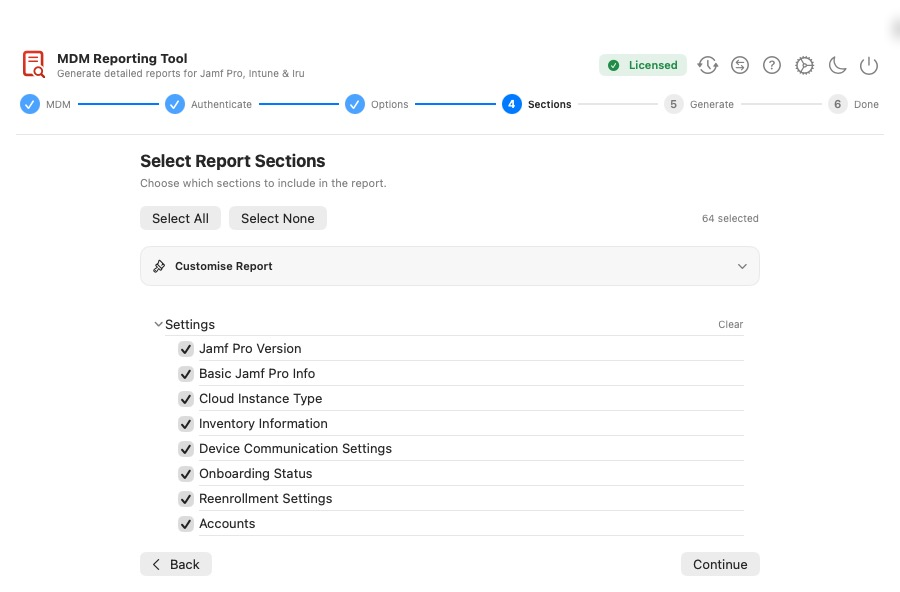
assets/images/blog/reporting-tool/07-jamf-sections.pngPick the Jamf Pro sections you needFrom the same screen you can set a custom title, footer and even your customer’s logo for that run only. Perfect if you’re a consultant or MSP who reports on more than one organisation.
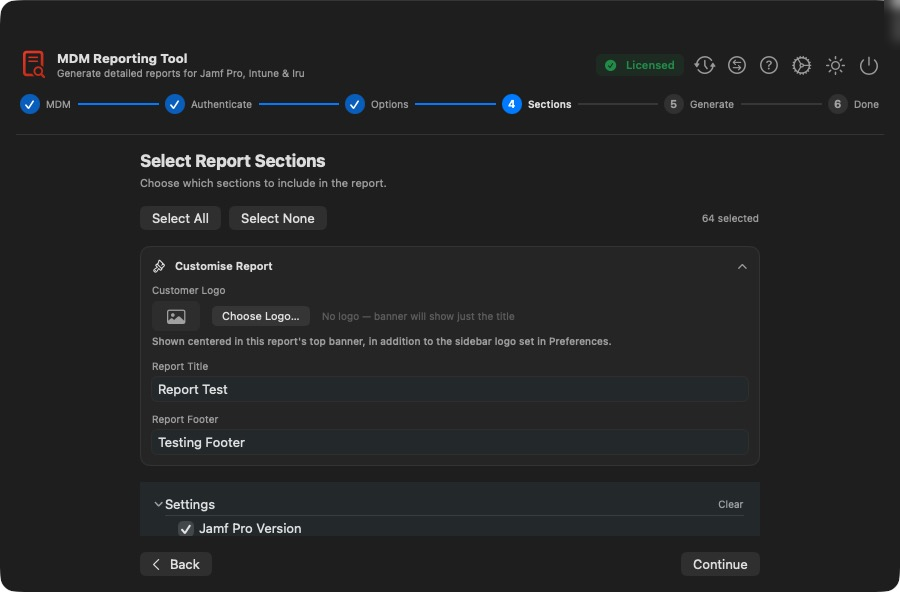
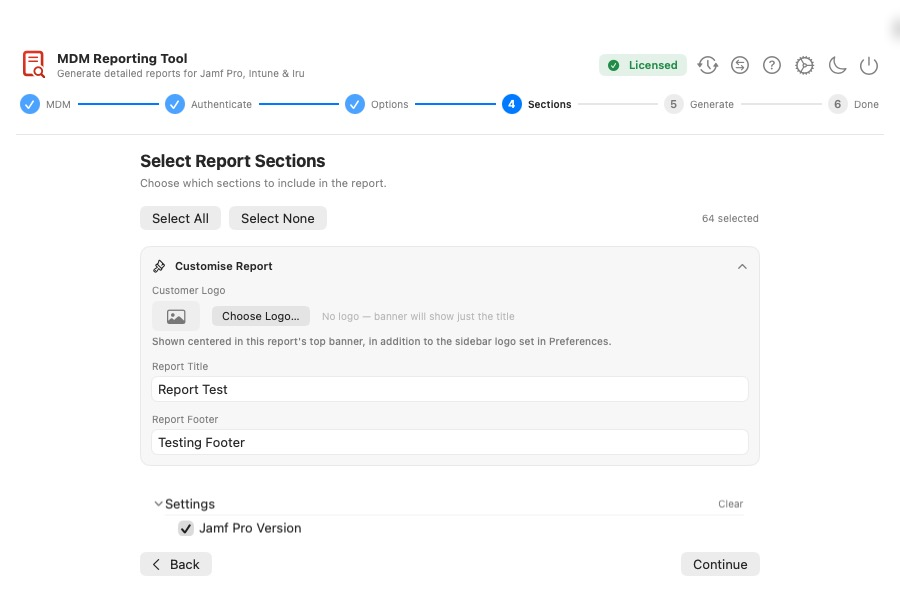
assets/images/blog/reporting-tool/customise-report.pngYour own title, footer and customer logo, just for this run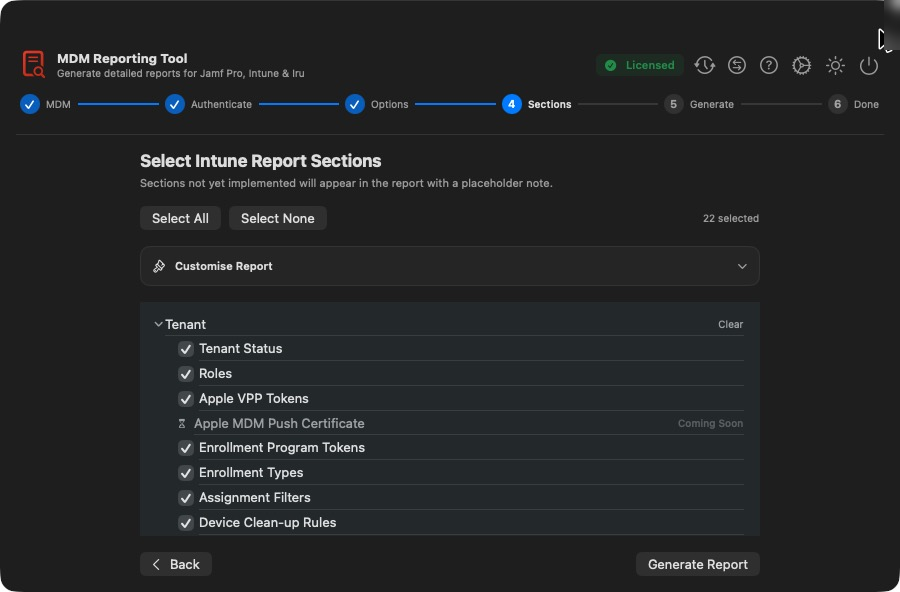
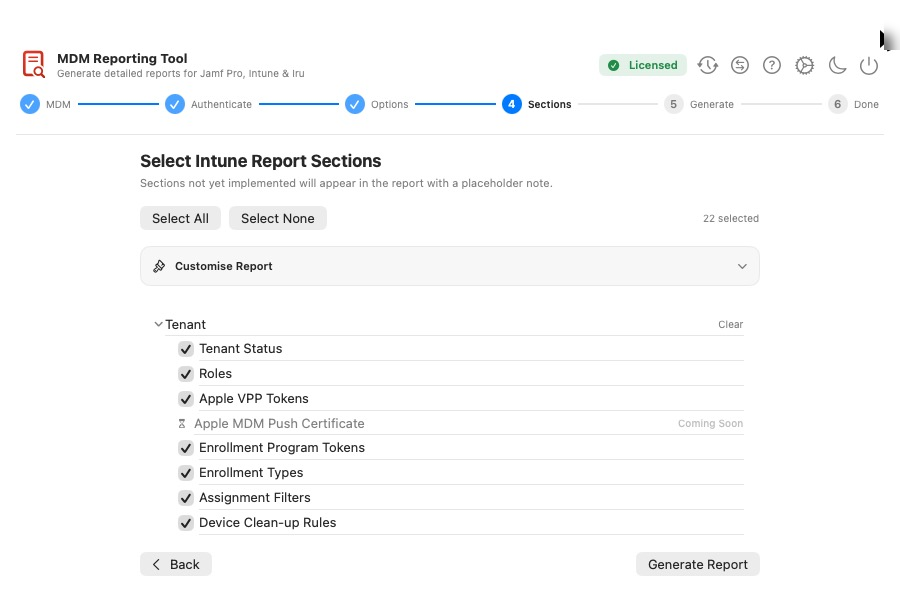
assets/images/blog/reporting-tool/12-intune-sections.pngIntune sections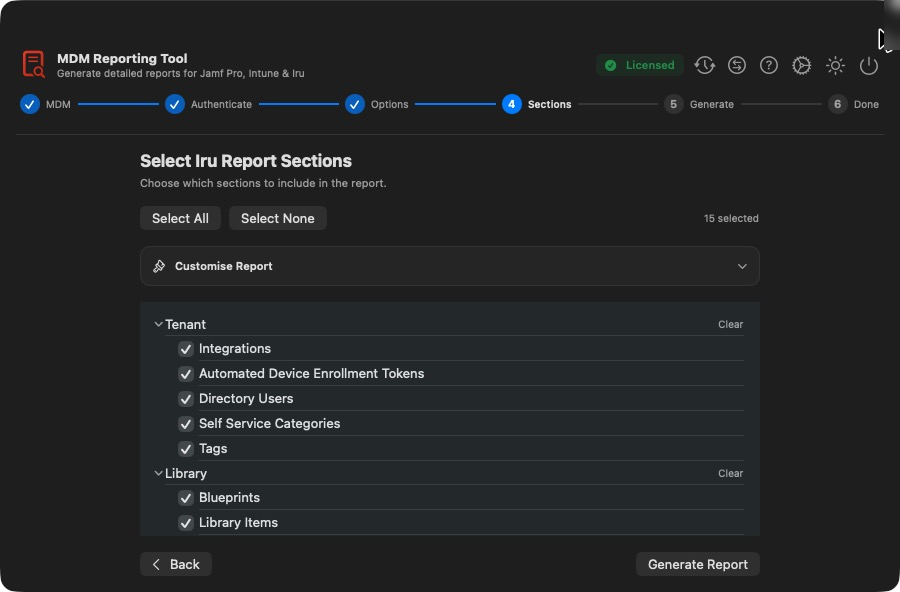
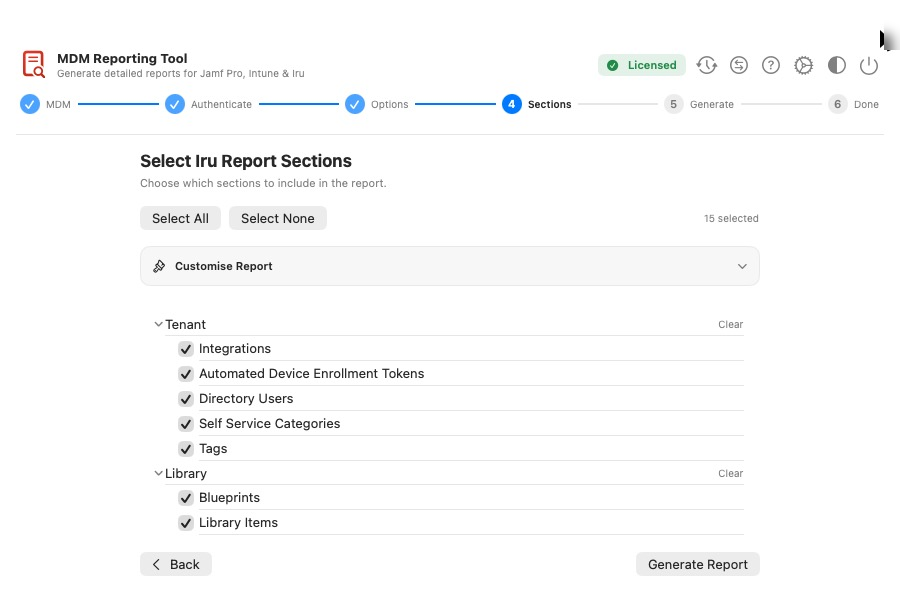
assets/images/blog/reporting-tool/14-iru-sections.pngIru sectionsThen sit back
Hit Generate and watch the progress bar fly. The tool pages through everything over the API while you get on with something more interesting.
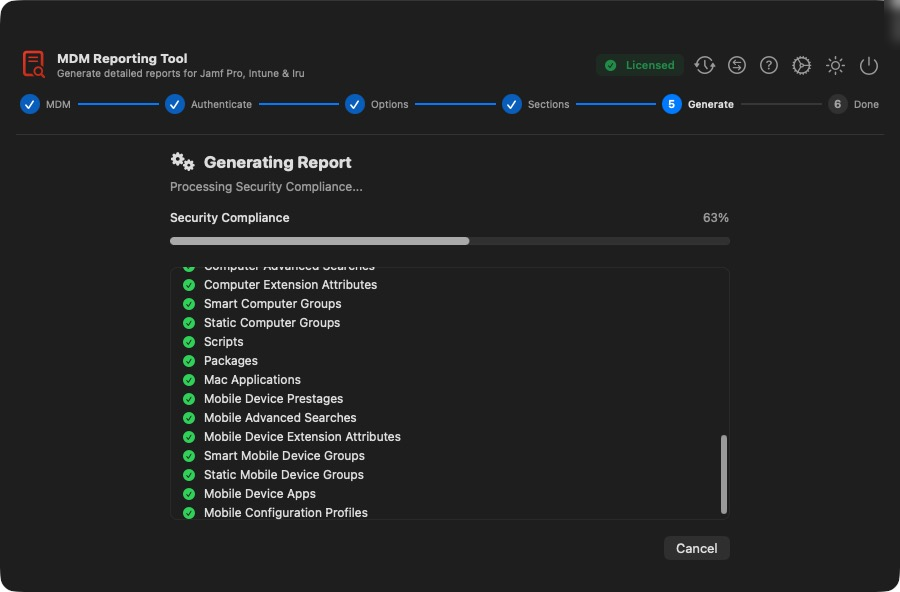
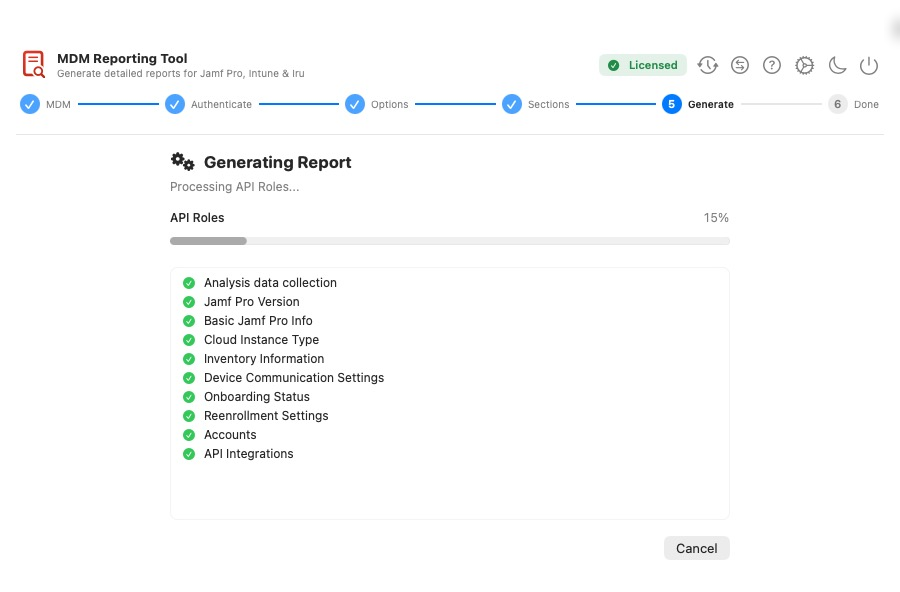
assets/images/blog/reporting-tool/09-generating.pngGenerating the report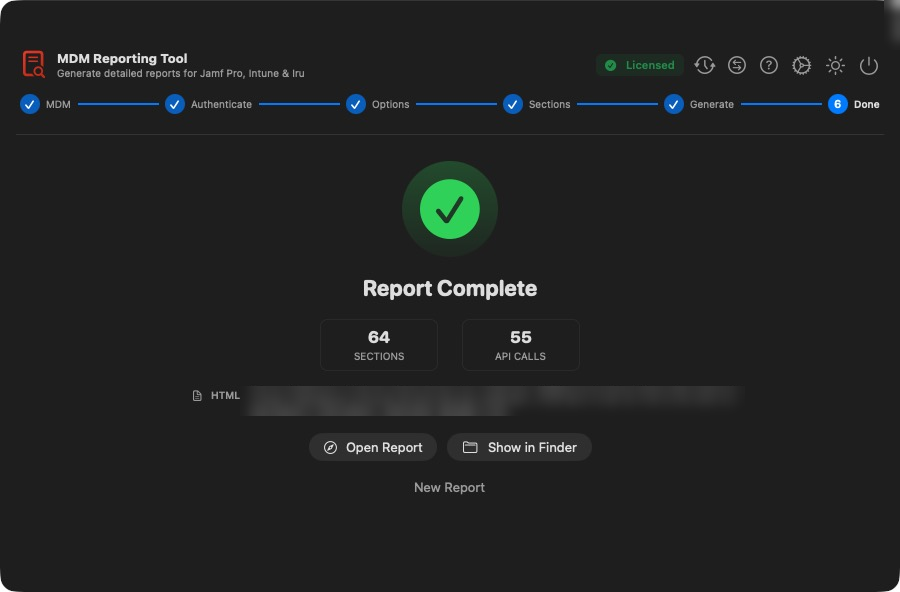
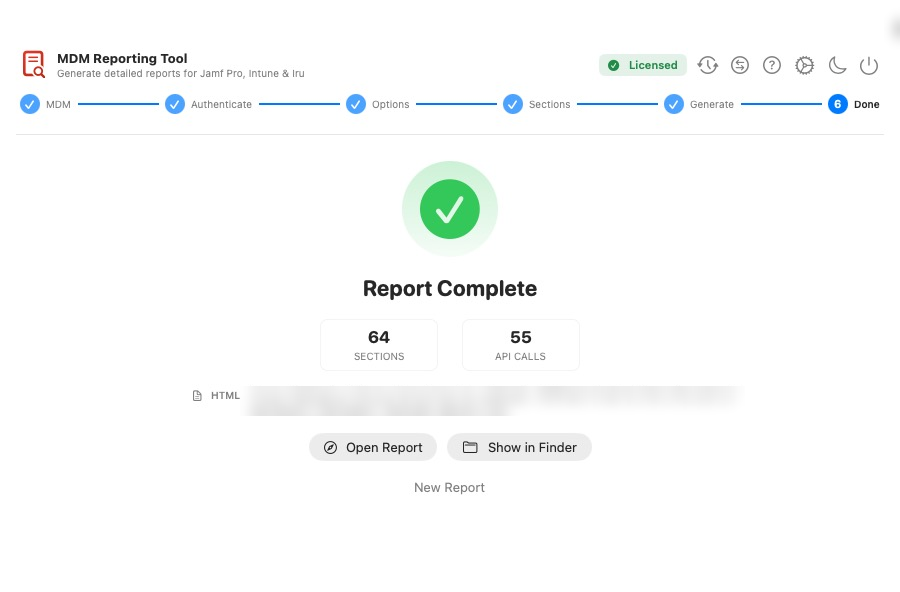
assets/images/blog/reporting-tool/10-report-complete-jamf.pngDoneA report people actually want to read
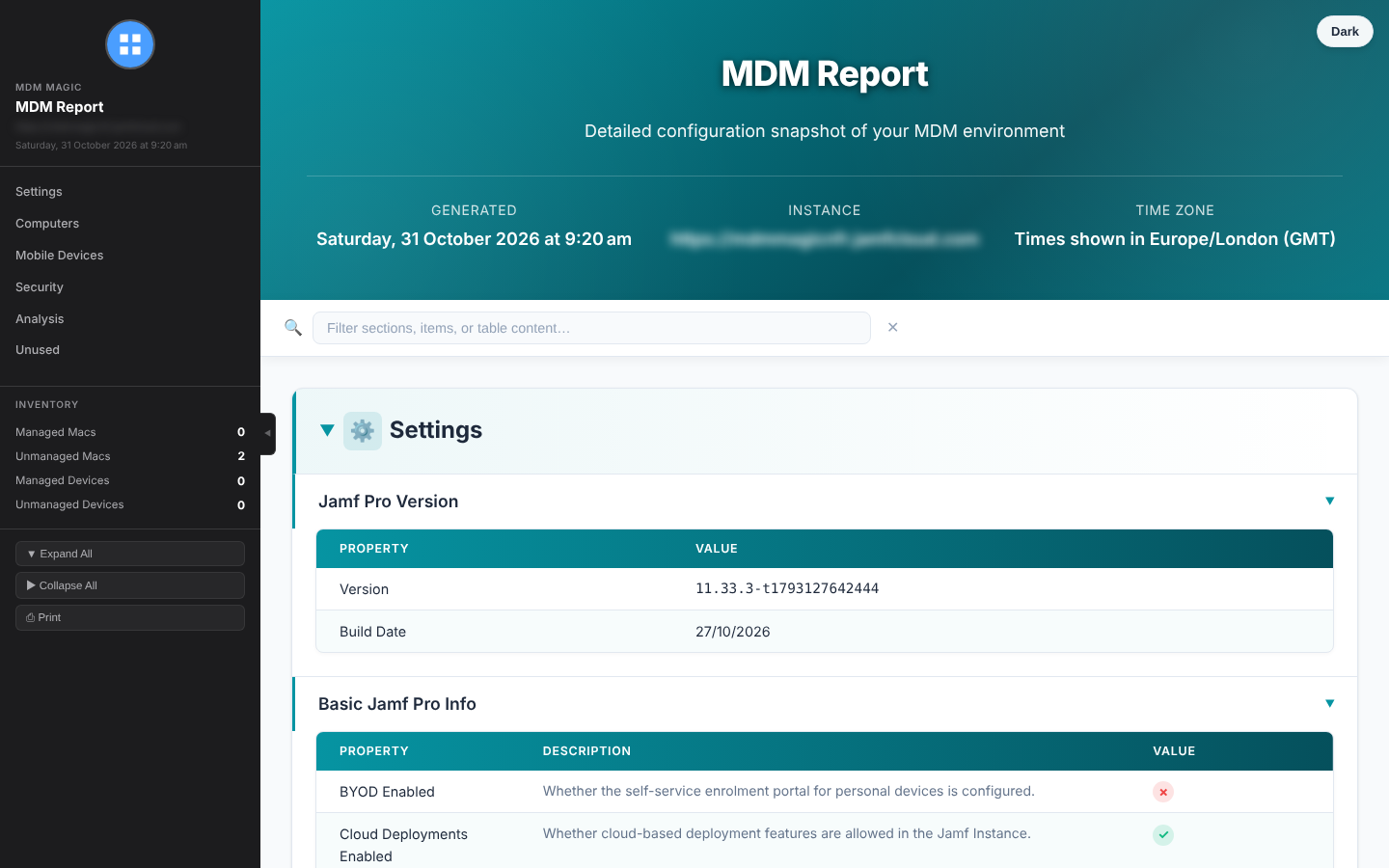
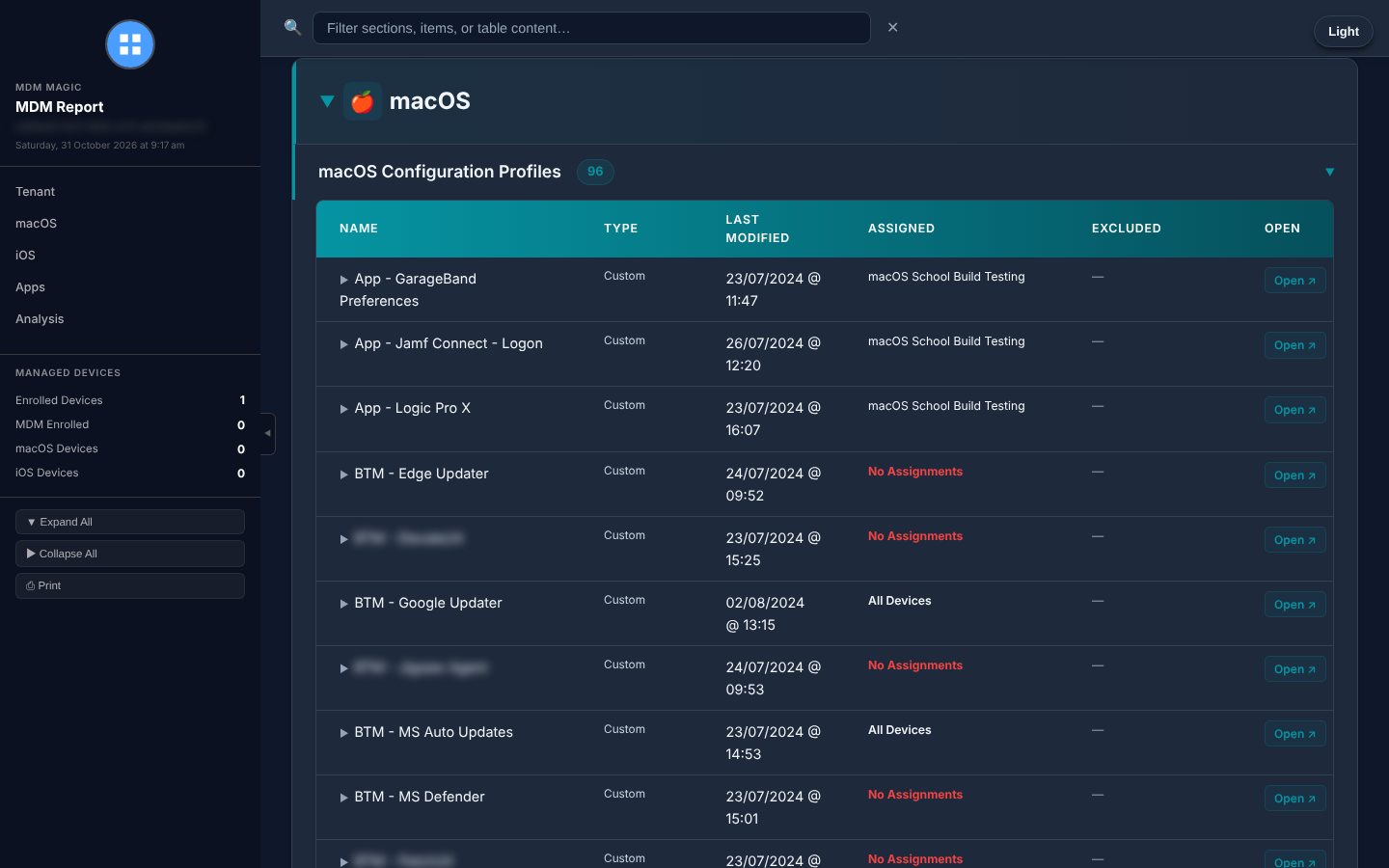
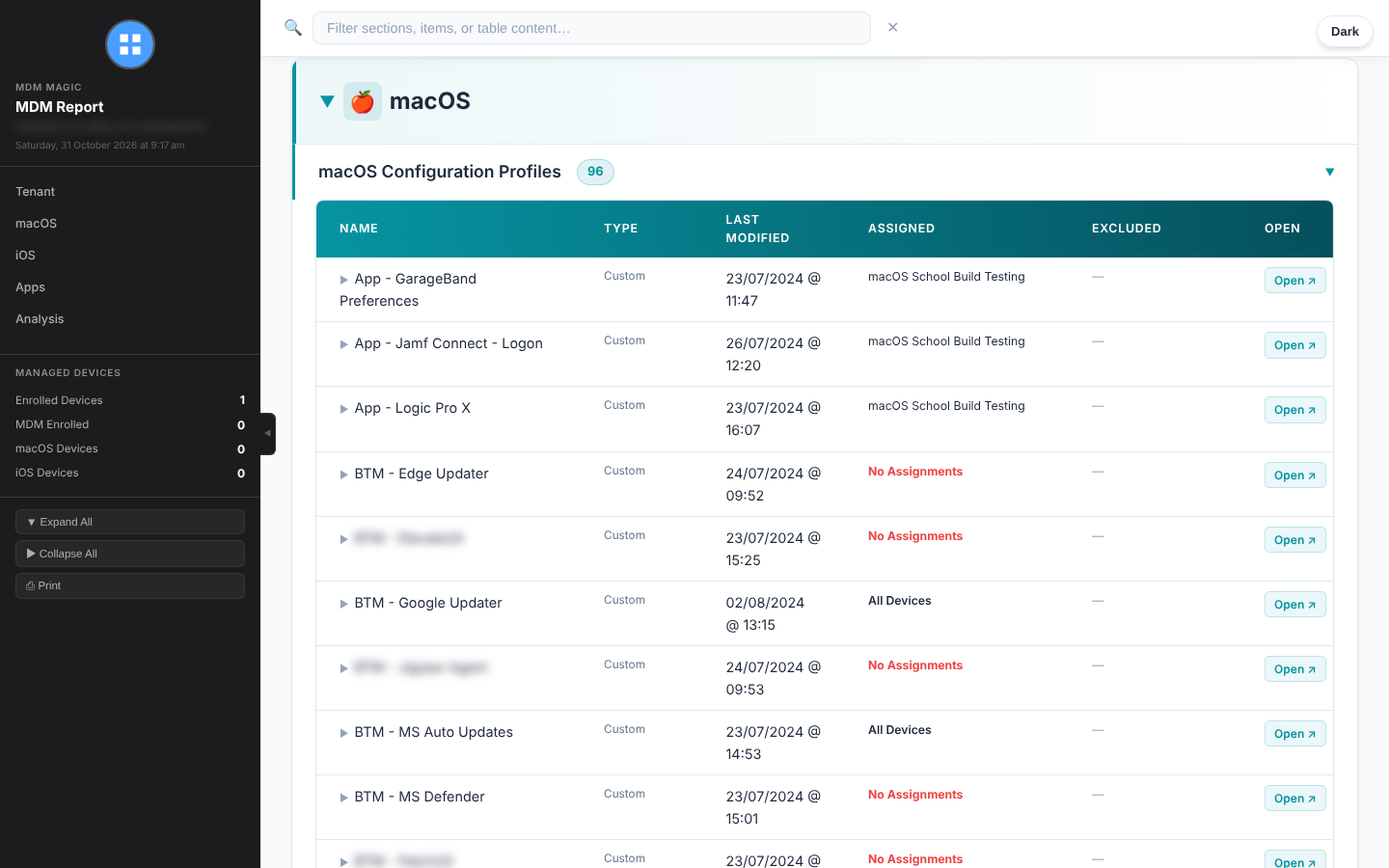
This is where the magic happens. Your report is one single HTML file. No server, no internet connection, no external files. Email it, attach it to a ticket or archive it, and it will still open perfectly years from now.
And it’s packed with features:
- Sticky sidebar to jump straight to any section
- Live search across section names and every table. Type a package name and watch only the matching rows remain
- Inventory panel with managed and unmanaged counts at a glance
- Light and dark mode, toggled by the reader
- One-click print to a clean, paginated document
- Your branding: logo, colours, title and footer
assets/images/blog/reporting-tool/17-report-intune-html.pngAn Intune report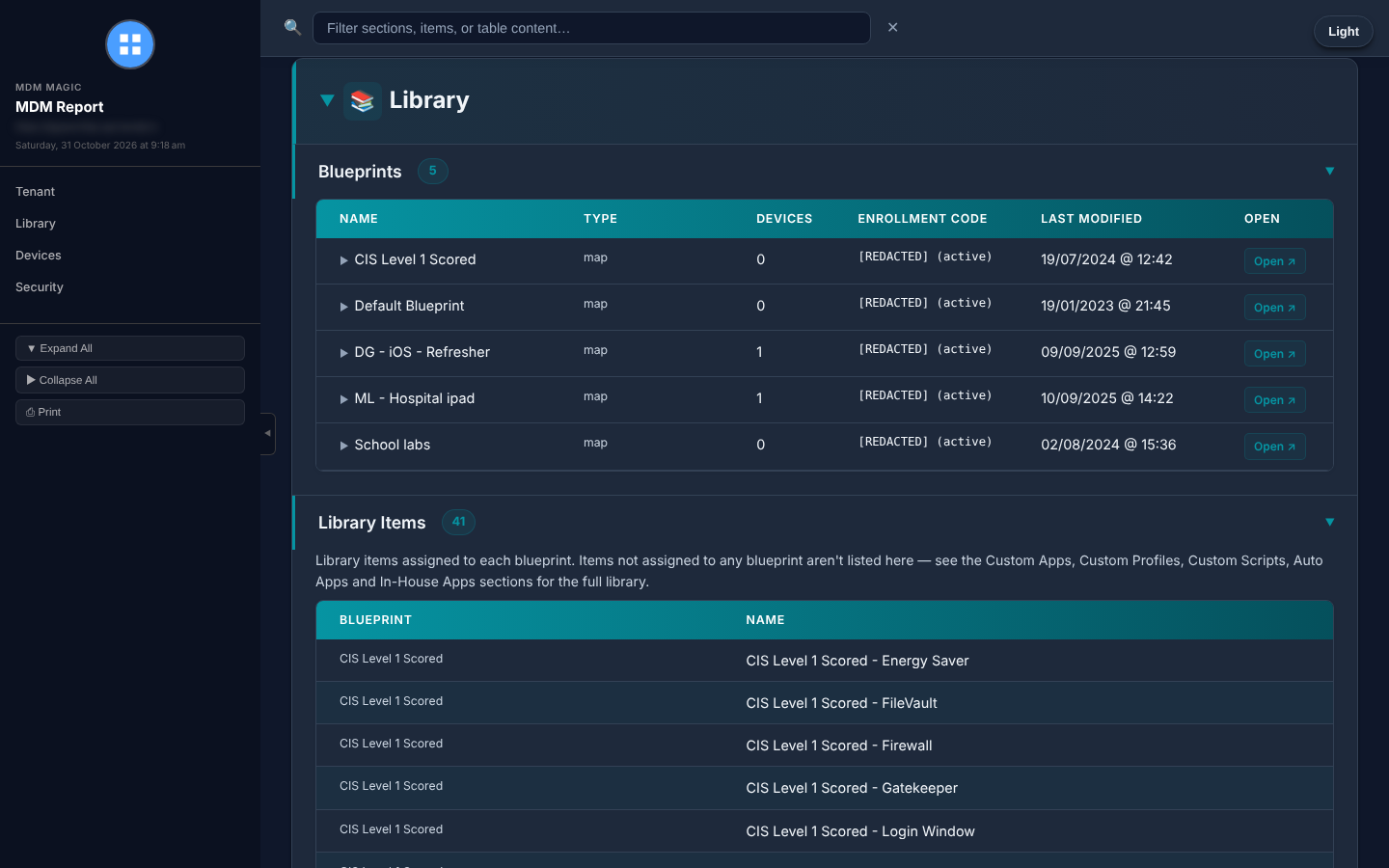
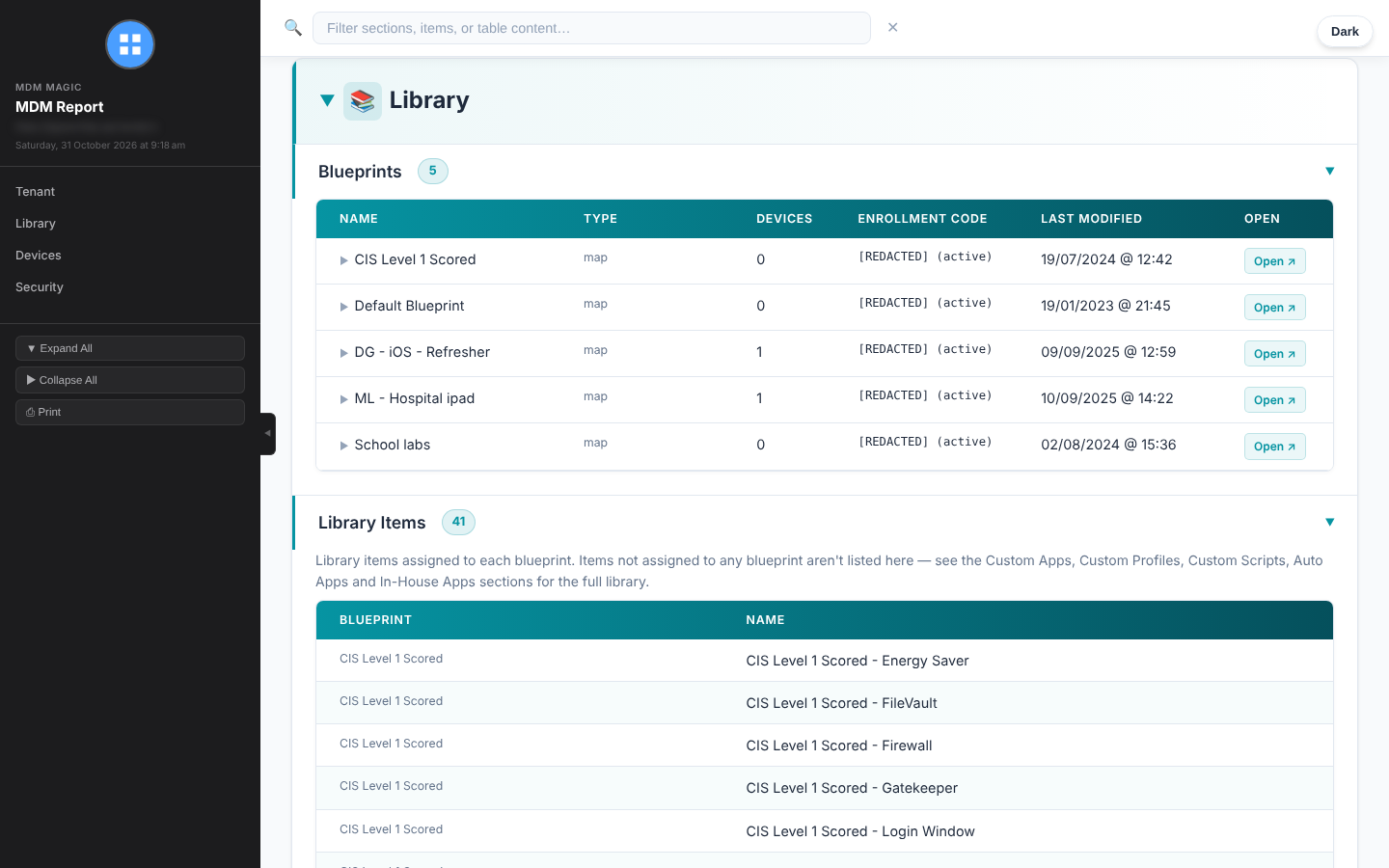
assets/images/blog/reporting-tool/18-report-iru-html.pngAn Iru report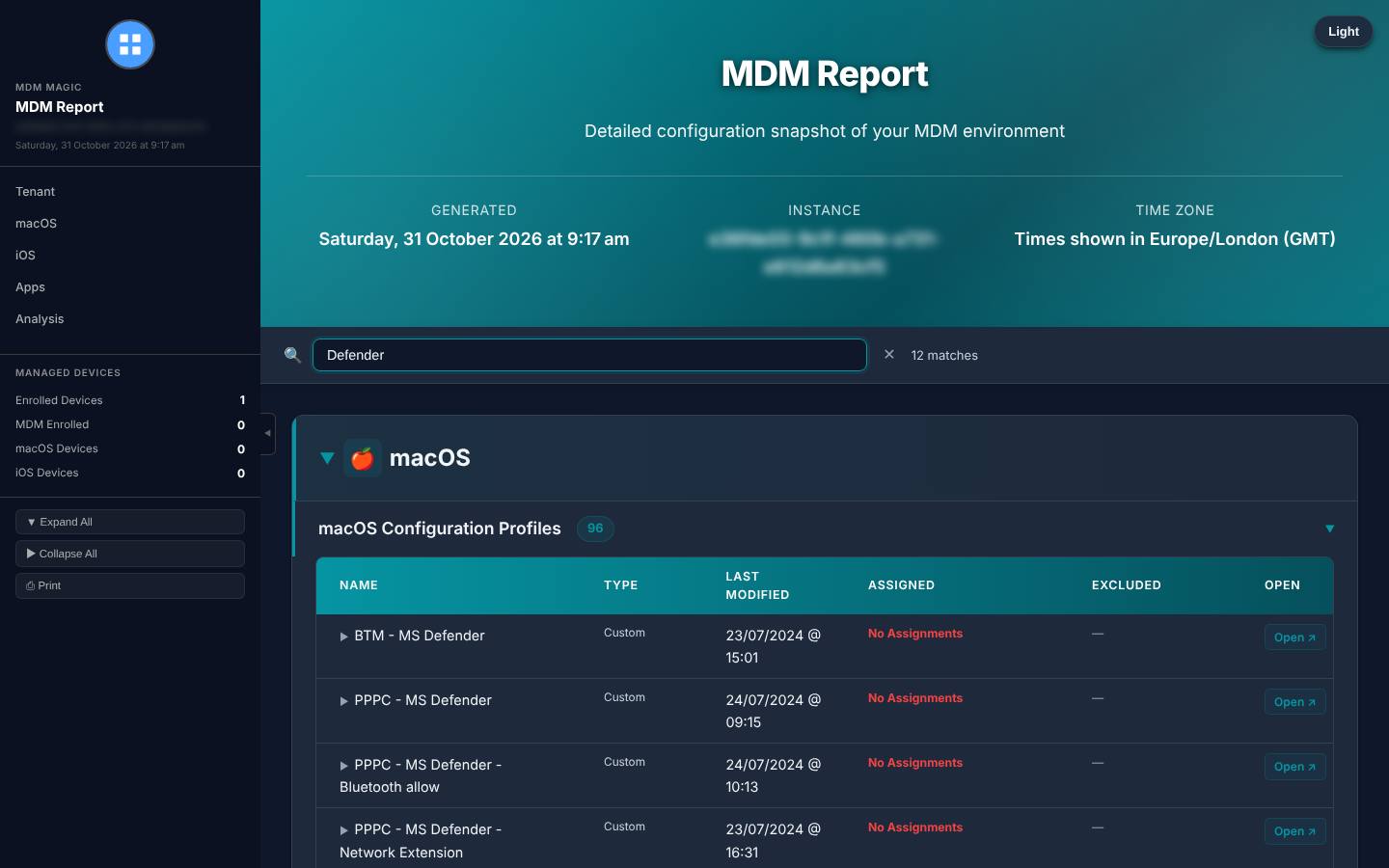
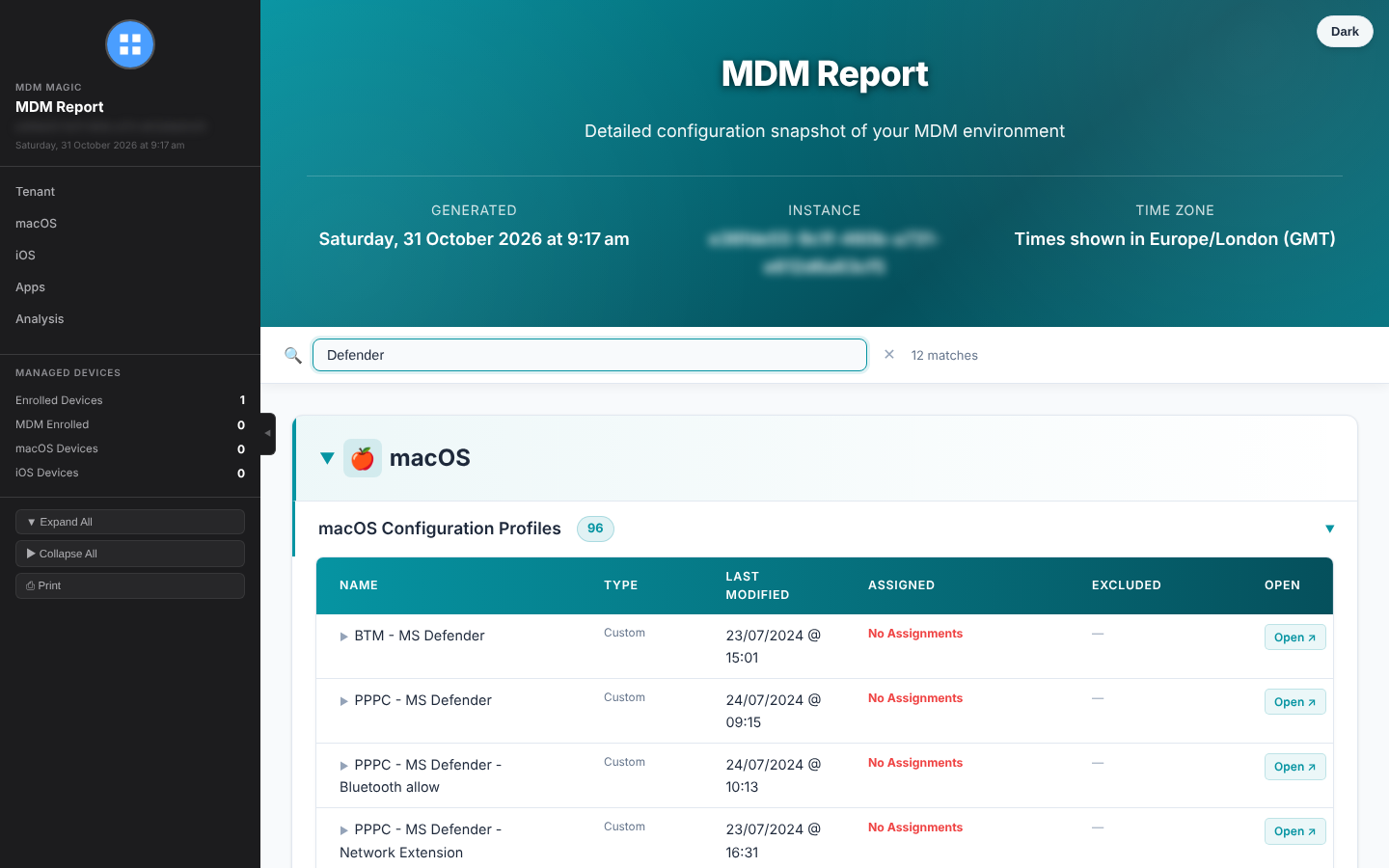
assets/images/blog/reporting-tool/report-dark-mode-or-search.pngLive search: type a term and only the matching rows remainSecrets stay secret
Reports get emailed, shared and passed around, so the tool redacts secrets automatically before anything is rendered. Passwords, shared secrets, SCEP challenges, tokens, API keys and certificate identities in configuration profiles are replaced with [REDACTED]. Likely hard-coded credentials in scripts are caught too, along with things like Iru enrolment codes.
Share with confidence. (It’s still worth a quick review of your scripts before you send, as script redaction works on patterns.)
Go beyond configuration
A settings export is handy. But the questions you really get asked are “Are we secure?” and “Are we up to date?” So the tool answers those too.
- Security compliance: FileVault, Gatekeeper, SIP, firewall and more across your whole fleet, plus XProtect definitions checked against Apple’s latest releases.
- Security audit (Jamf Pro): your Jamf Compliance Benchmarks checked against the mSCP baselines your instance actually uses.
- App version check (Jamf Pro): every installed app compared with the latest version on Homebrew, so out-of-date software jumps off the page.
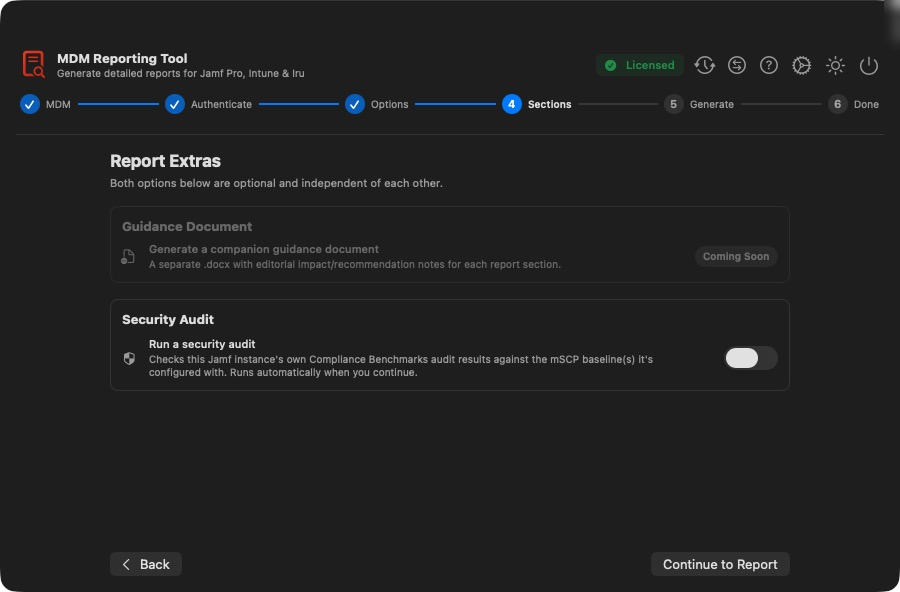
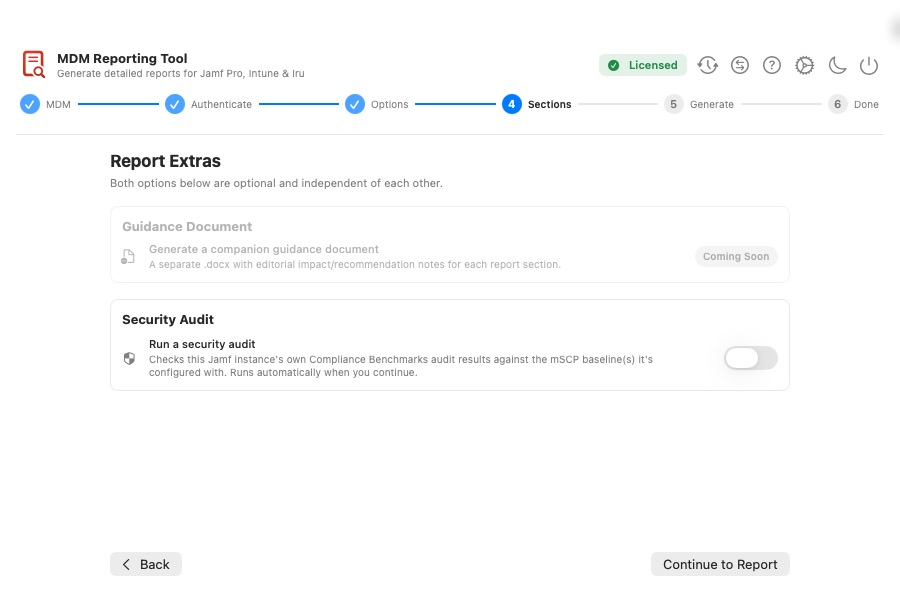
assets/images/blog/reporting-tool/08-report-extras.pngReport Extras: switch on the security audit with one toggle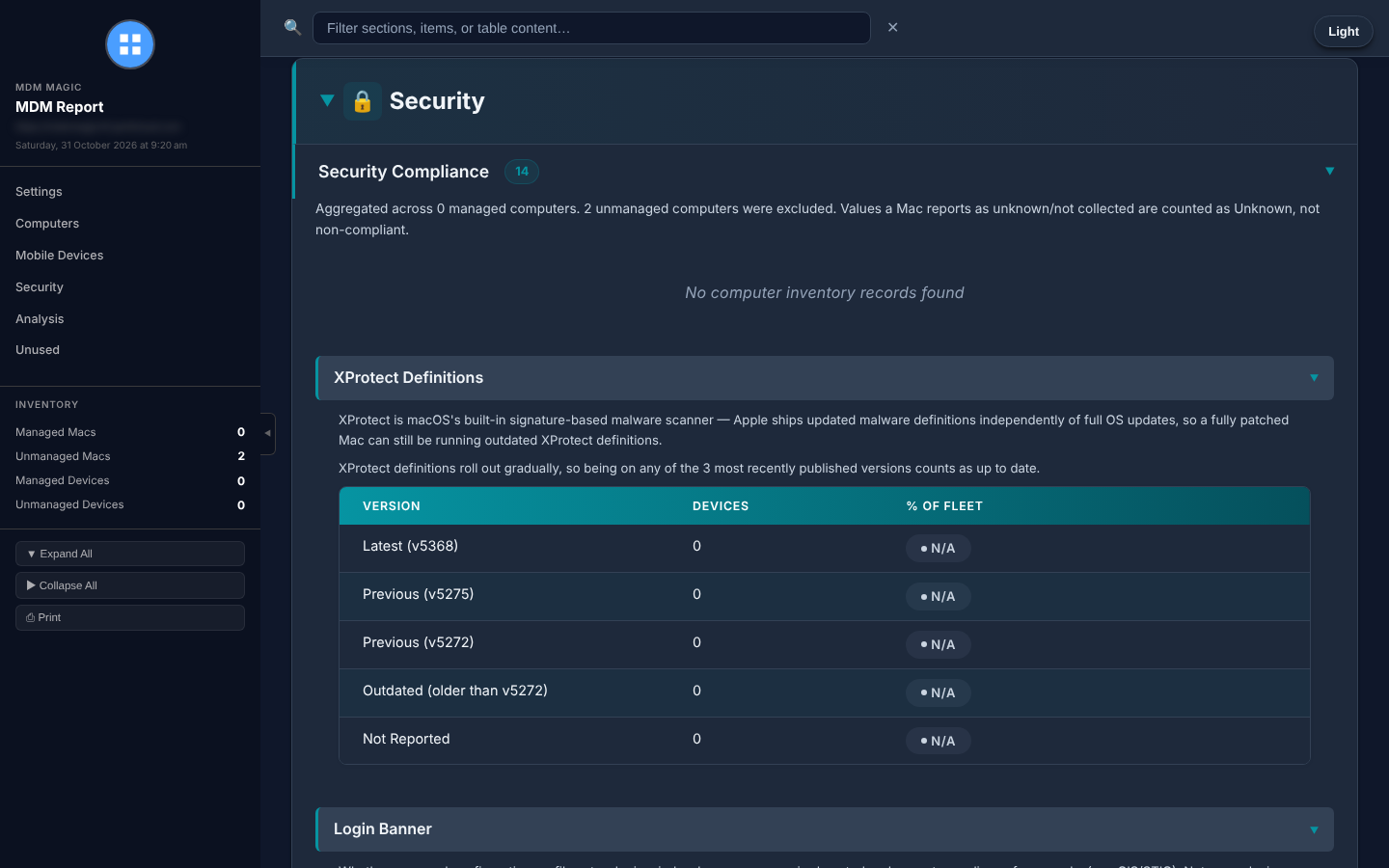
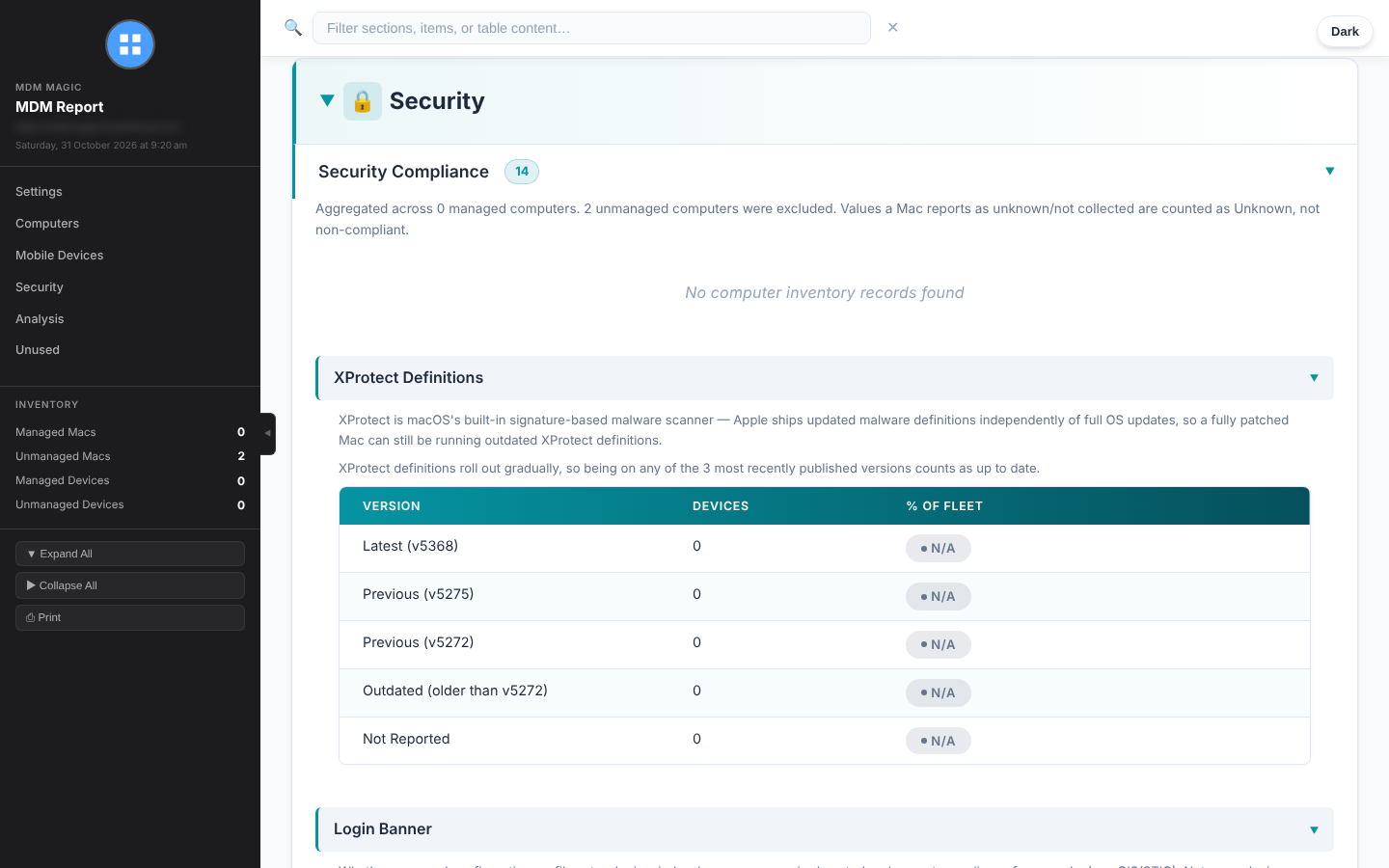
assets/images/blog/reporting-tool/security-compliance.pngSecurity compliance and XProtect checks inside a report
assets/images/blog/reporting-tool/security-audit-results.pngSecurity audit results inside a reportSpot what changed, instantly
Reports are timestamped, never overwritten. Pick any two and the tool shows you exactly what was added, removed or changed, row by row.
It’s brilliant for:
- Change control: what really changed since last month?
- Takeovers: what did the previous admin or vendor change?
- Before and after: evidence exactly what your project moved
- Drift: run it daily and you’ve got a dated history to compare against any point in time
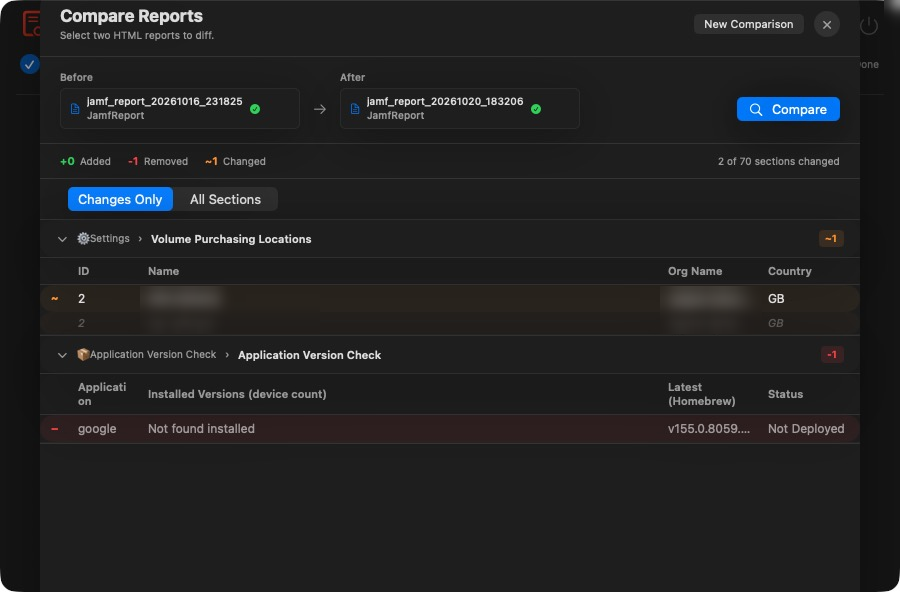
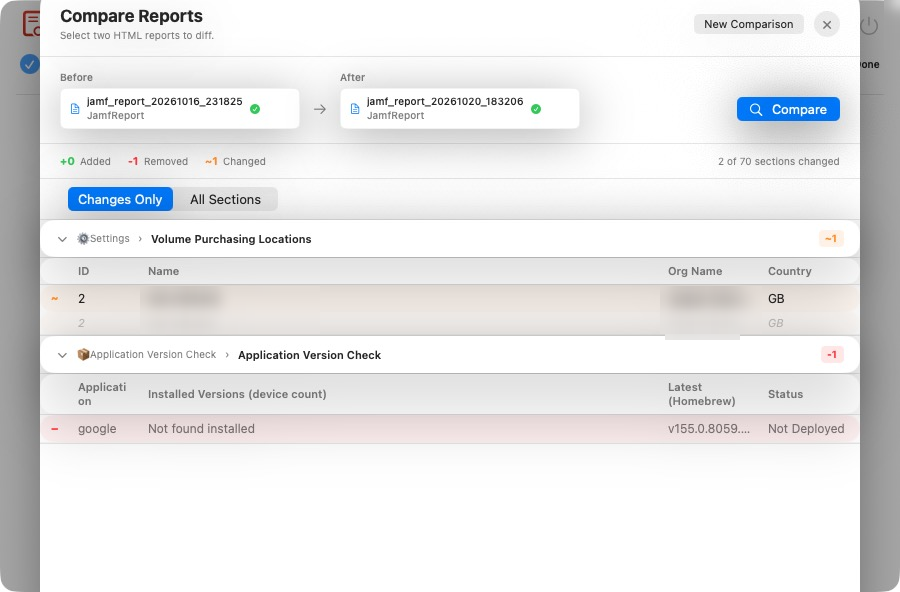
assets/images/blog/reporting-tool/19-compare-reports.pngComparing two reports, row by rowPut your reporting on autopilot
Need the same report every week? Set up a scheduled agent and forget about it. While the app is running, each agent generates its report on schedule and delivers it by email, Slack, Microsoft Teams or HTTP upload. Each agent can even have its own credentials, kept safely in the Keychain.
Your monthly compliance snapshot just turns up. No reminders needed.
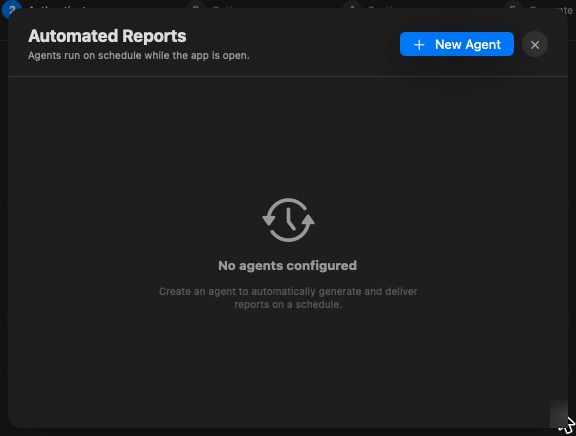
assets/images/blog/reporting-tool/20-agents.pngScheduled agents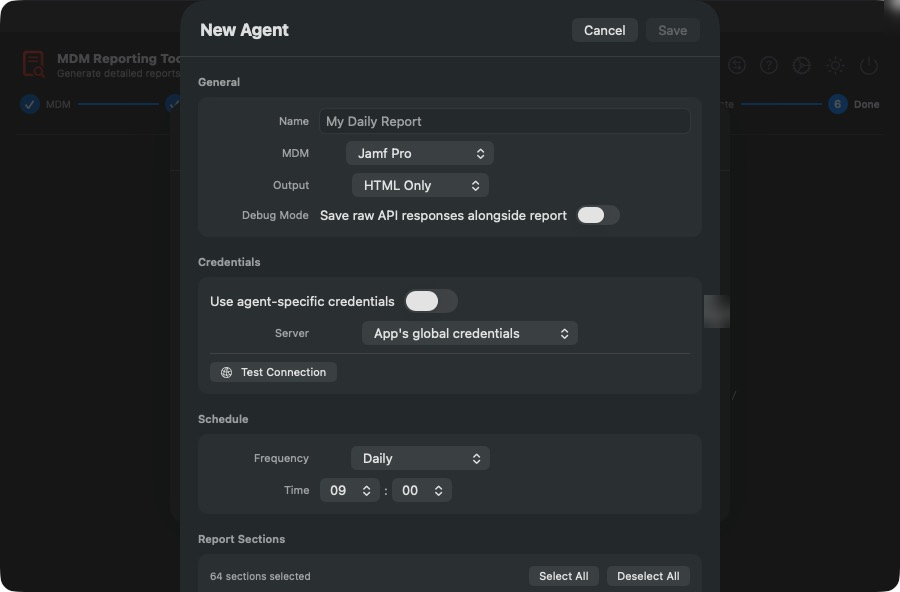
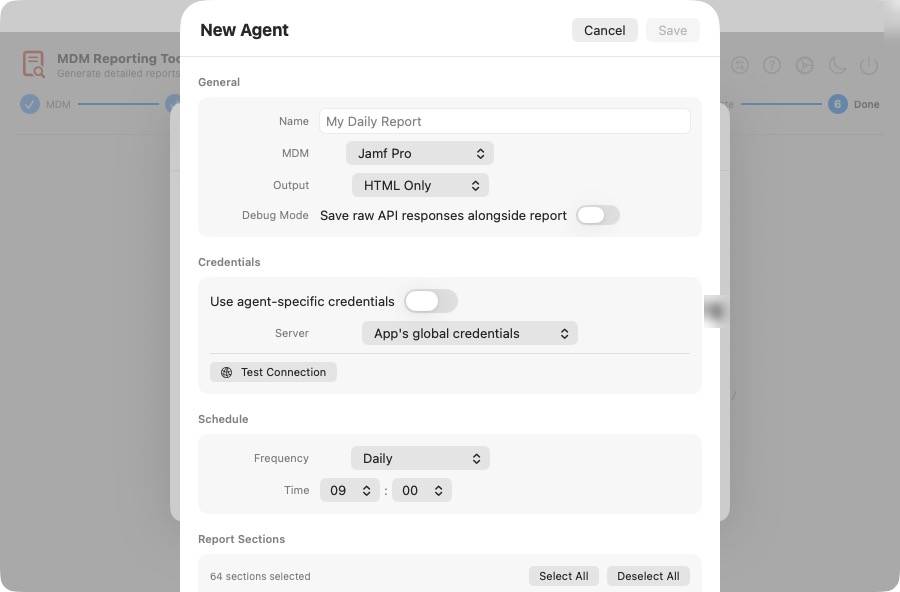
assets/images/blog/reporting-tool/21-agent-edit.pngCreating an agentThe security team will say yes
I know the first question anyone asks about a tool that touches the MDM. So here are the answers:
- Read-only. It never writes a thing to your MDM.
- Local. No cloud service, no vendor backend, no telemetry. Your data stays on your Mac.
- Keychain. Every credential and secret is stored in the macOS Keychain.
- Signed and notarised. Installs cleanly with no Gatekeeper warnings.
There’s a full Security FAQ covering TLS, storage and access, ready to forward to whoever signs off new tools.
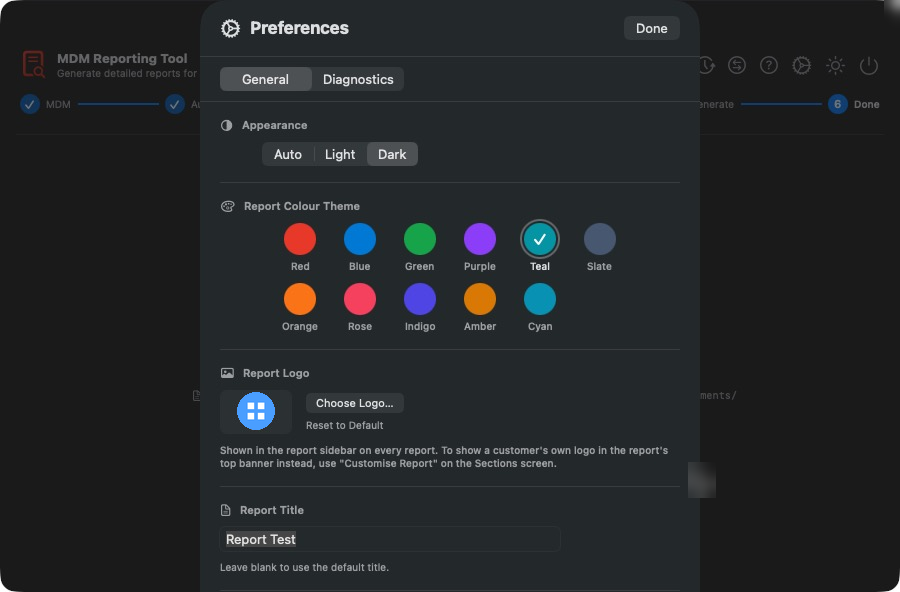
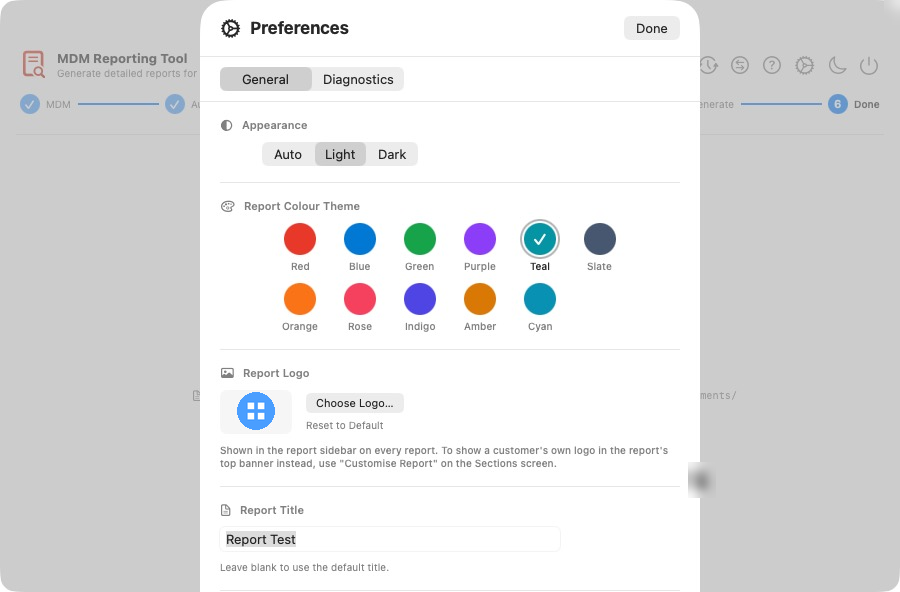
assets/images/blog/reporting-tool/22-preferences-general.pngAppearance, report colour theme and your logo in PreferencesUp and running in two minutes
- Download the
.pkgfrom the Releases page. - Double-click and follow the installer.
- Open MDM Reporting Tool and pick your MDM.
You’ll need macOS 15.0 or later. Rolling it out to the team? It’s a standard signed package, so deploy it through Jamf Pro, Intune or whatever you already use.
Try everything free for 72 hours
Every new install unlocks every feature for 72 hours. No card, no catch. And after the trial, Jamf Pro settings reports keep working for free.
A one-time licence unlocks the lot: all three platforms, every section, the security audit, app version checks, PDF and Word export, notifications, scheduled agents and Keychain saving.
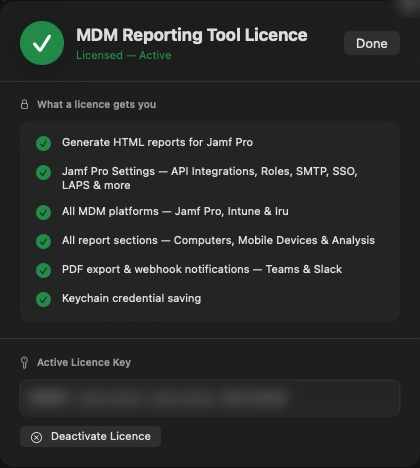
assets/images/blog/reporting-tool/24-license.pngActivate a one-time licenceGet your afternoons back
If you document, audit, hand over or take over Apple fleets, this one’s for you. Download the trial, point it at your MDM and see what you get back.
Got an idea or found a bug? Open an issue on GitHub. I read every single one.